
MySRD Checker
MySRD Checker
The SRD R350 / R370 grant is provided to unemployed South African applicants who meet the eligibility criteria. Approved applicants receive the payment through their selected method, such as a bank account, Post Office, or approved retail stores. The status check shows which applicant is approved, pending, or declined and why. Pay day details confirm when and where the money will be available for collection. Each applicant must regularly check their status to avoid missing payment updates.
Before choosing a method below, make sure you understand the full SRD status explained guide so you know exactly what “Approved,” “Pending,” or “Declined” really means.
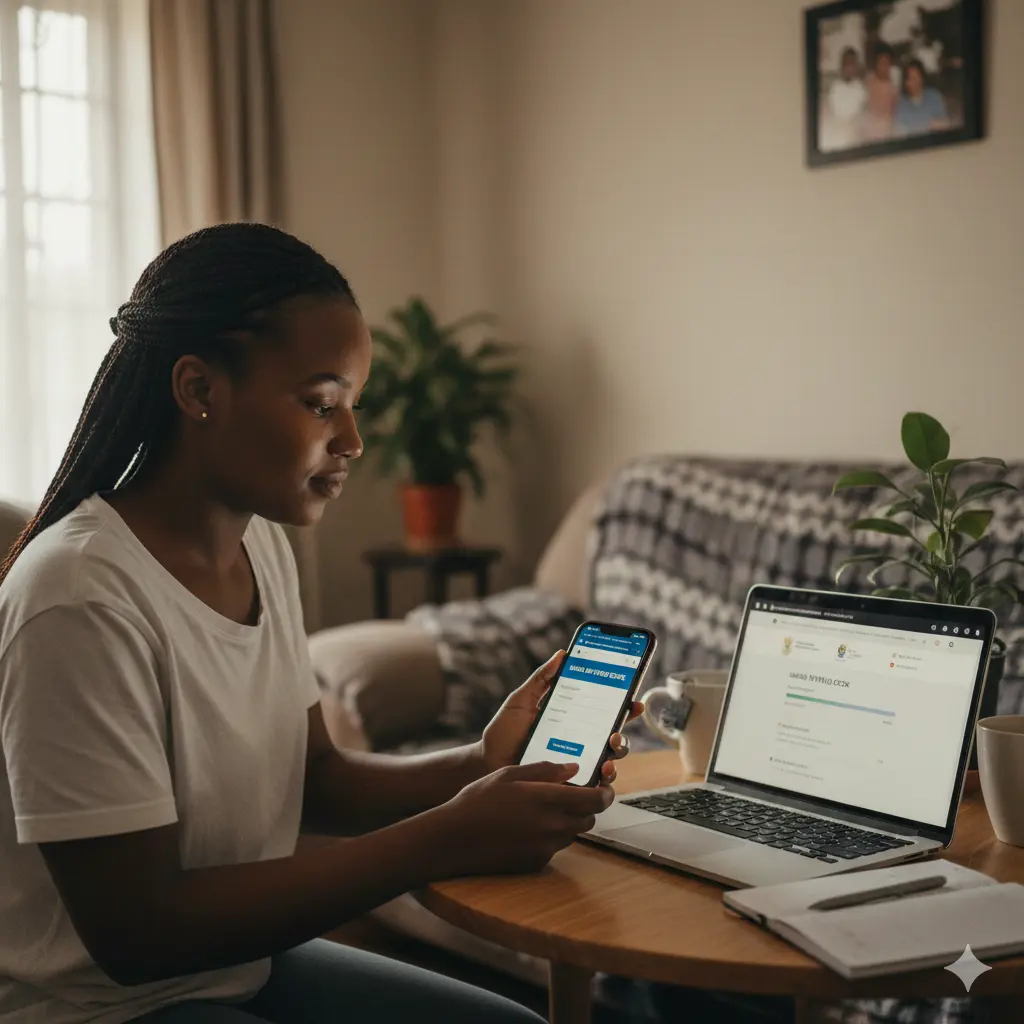
If you need to check your SASSA SRD grant status but aren’t sure how the website works, this online method is straightforward and accessible from any device with the internet. It’s particularly helpful when you want immediate results without making calls or visiting an office.
Approved – Your grant application has been accepted and payment processing is underway through your selected collection method.
Pending – SASSA is still verifying your details or reviewing your eligibility against the programme requirements.
Declined – Your application did not meet the qualification criteria; a specific reason should be displayed on screen.
No record found – The system cannot locate your application with the details you entered, or no application exists under those credentials.
If the website doesn’t load or shows errors, try accessing it during quieter times like early morning (5-7 AM) or late evening (after 9 PM) when server traffic is lower. Make sure you’re entering the exact ID number and phone number you used when applying even one digit wrong will show no record. Some users experience better results using a different browser (Chrome, Firefox, or Safari) or clearing their browser cache and cookies before trying again.
If the website continues to give problems or you don’t have reliable internet access, the USSD method (1347737#) works on any phone without needing data or Wi-Fi.
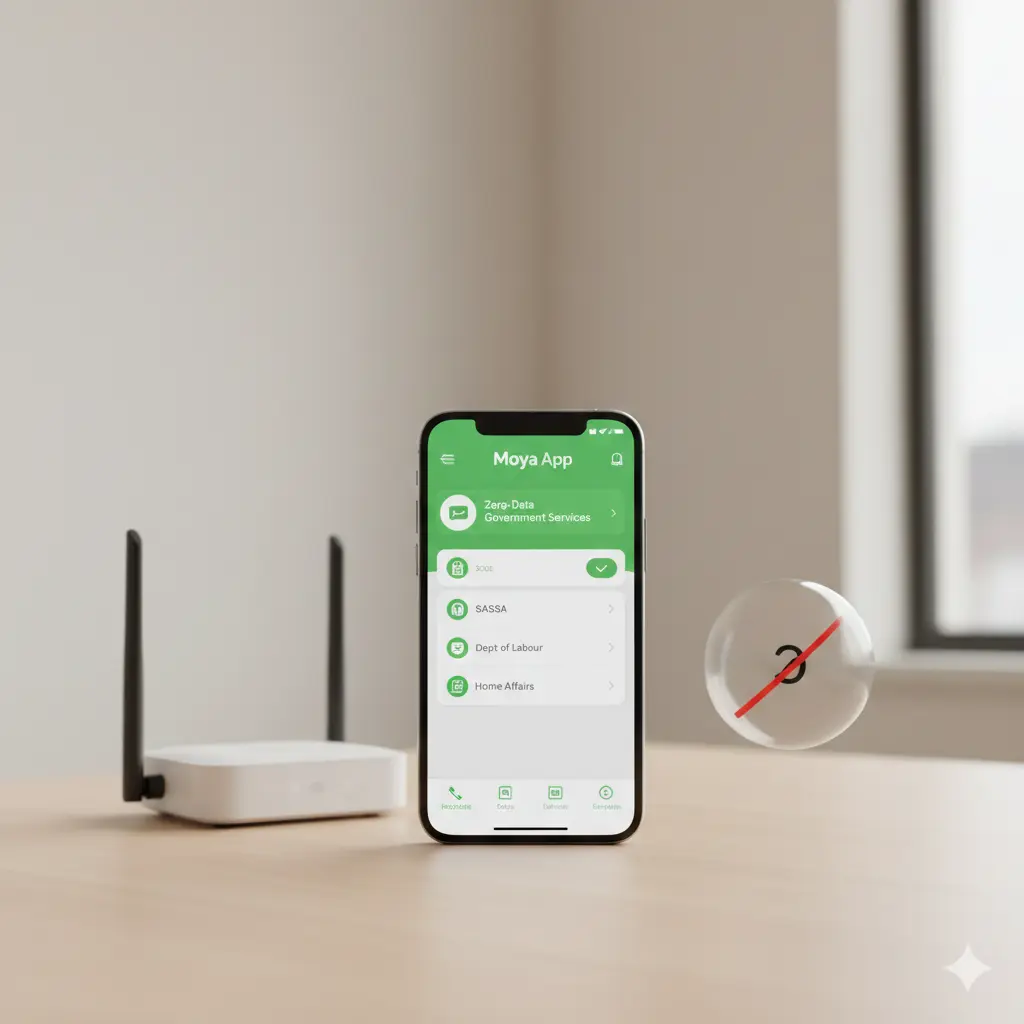
If you struggle with data costs or find the SASSA website difficult to navigate, the Moya App provides a zero-rated option to check your grant status without using your data bundle. This method is ideal for users who already have Moya installed or want a data-free alternative.
Approved – Your R370 SRD grant application was successful and payment arrangements are in progress.
Pending – SASSA is still processing your application or conducting verification checks on your information.
Declined – Your application was unsuccessful; the app will typically show the specific reason for declination.
No record found – Your ID number or mobile number doesn’t match SASSA records, or no application was submitted.
If you can’t find the SASSA option in Moya, make sure you have the latest version of the app by checking for updates in your app store. The app occasionally experiences high traffic during payment periods (first week of each month), so if it’s slow or unresponsive, try again after a few hours. If your details aren’t being recognized, double-check that you’re using the same phone number and ID number from your original application.
If Moya App isn’t working or you prefer a different method, the WhatsApp option provides similar convenience through a platform most people already use daily.
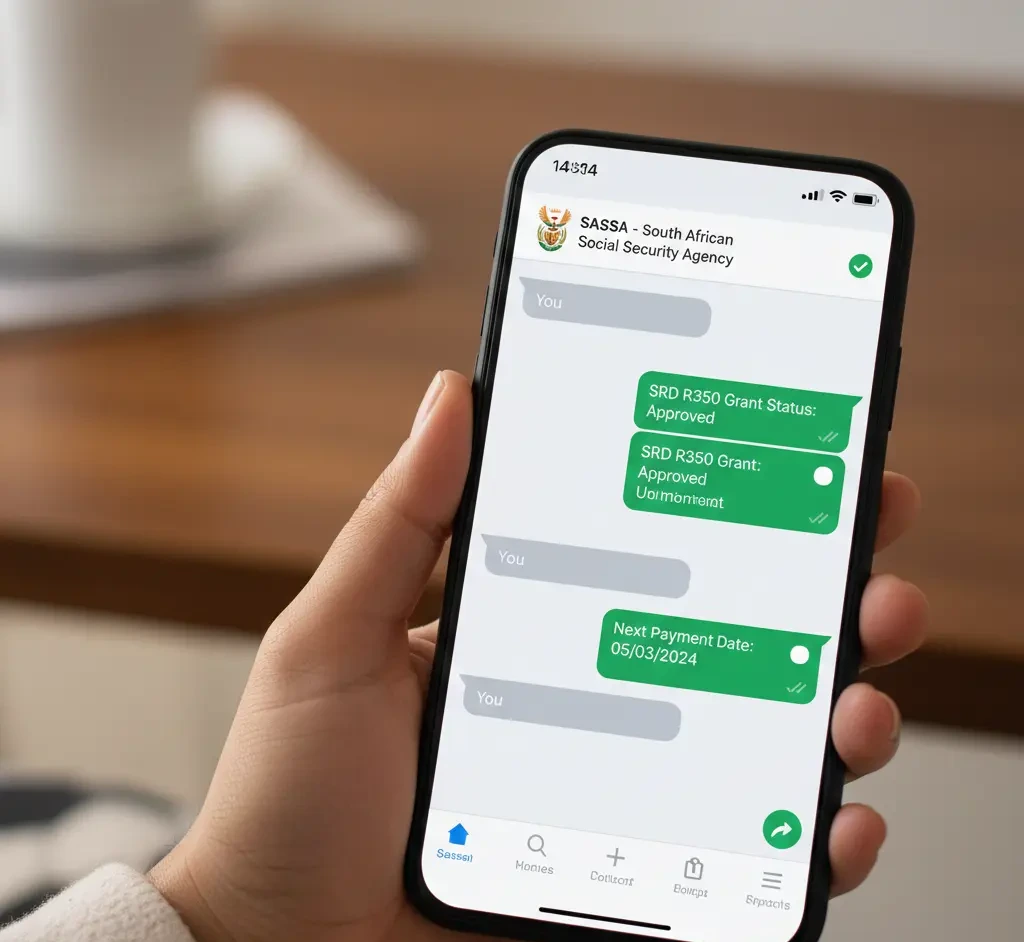
If you find websites confusing or your internet connection is unreliable, checking your SRD status through WhatsApp is often easier and faster. This method works well for those who use WhatsApp regularly and prefer a simple chat-based process.
Approved – Your application was successful and payment is being arranged through your selected payment method.
Pending – SASSA is still processing your application or verifying the information you provided during registration.
Declined – Your application did not qualify for the grant; the reason will typically be shown in the message response.
No record found – Your details don’t match SASSA records, or no application was submitted under the ID and phone number provided.
If you don’t receive a response after sending your first message, wait approximately five minutes and try again as the automated system may be experiencing high volumes. Ensure you’re messaging the correct official number (082 046 8553) and that your WhatsApp is updated to the latest version. Some users find that deleting the entire chat conversation and starting fresh helps if responses seem stuck or the conversation becomes unresponsive.
If WhatsApp isn’t working for you or you prefer not to use it, the USSD method using 1347737# works on any phone without needing internet, data, or smartphone features.
If your status shows declined on WhatsApp, read our step-by-step how to appeal SRD decline guide to submit a reconsideration correctly.
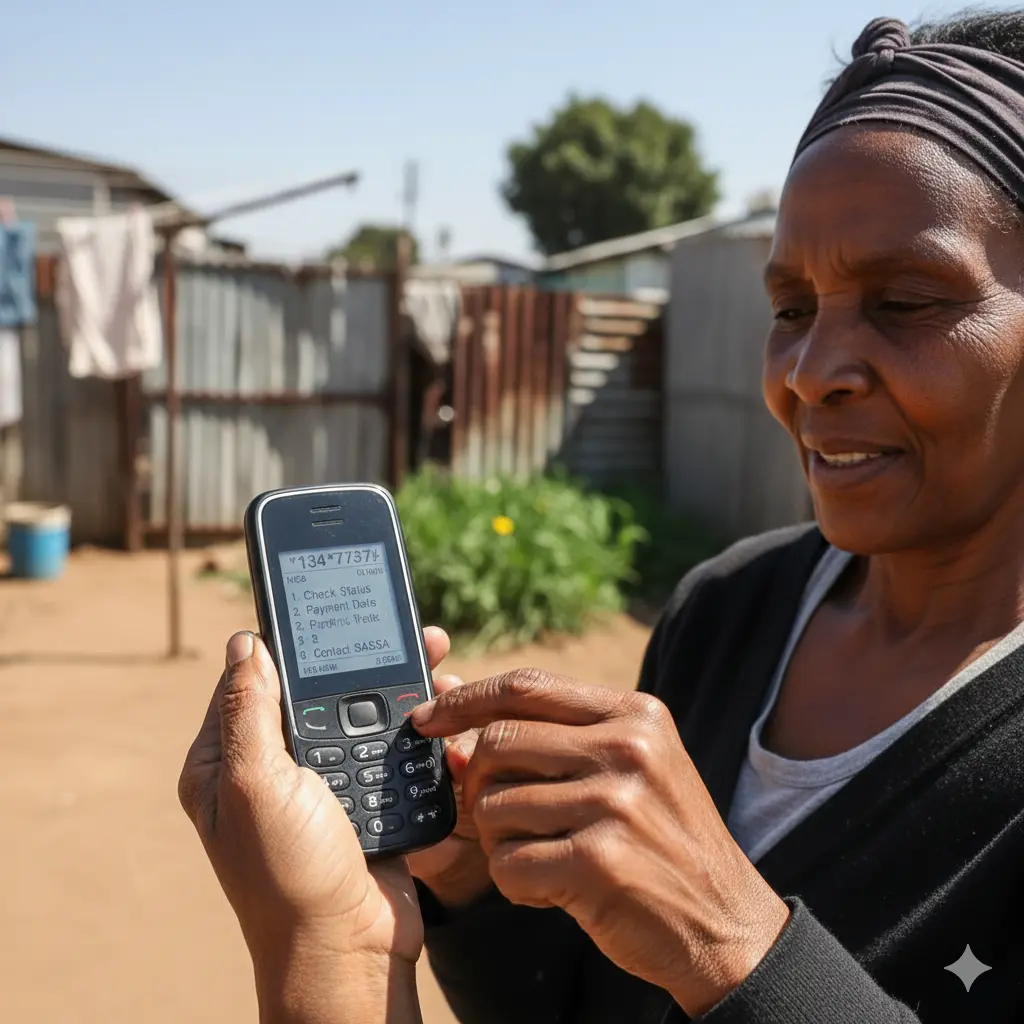
If you don’t have internet access, data, or a smartphone, the USSD method lets you check your grant status directly from any mobile phone. This option works on basic phones and smartphones alike, making it accessible even in areas with poor network coverage or for users without data bundles.
Approved – Your SRD application has been successful and payment arrangements are being processed to your chosen collection point.
Pending – SASSA is still reviewing your information or conducting verification checks before making a final decision.
Declined – Your application did not meet eligibility requirements; a decline reason should appear on the screen.
No record found – The system cannot locate an application linked to your ID number and the phone number you’re using.
If the USSD menu doesn’t appear after dialing, check that you’re using the exact phone number registered with your application the system only recognizes requests from the registered number. Network congestion during peak hours (lunch time and early evening) can cause delays or failures, so trying early morning (before 8 AM) or late evening (after 8 PM) often works better. Make sure you’re entering the code exactly as shown: 1347737# including all asterisks and the hash symbol at the end.
If this method doesn’t respond or repeatedly shows errors, the online website method or Moya App provides alternative ways to access your status information through official SASSA channels.
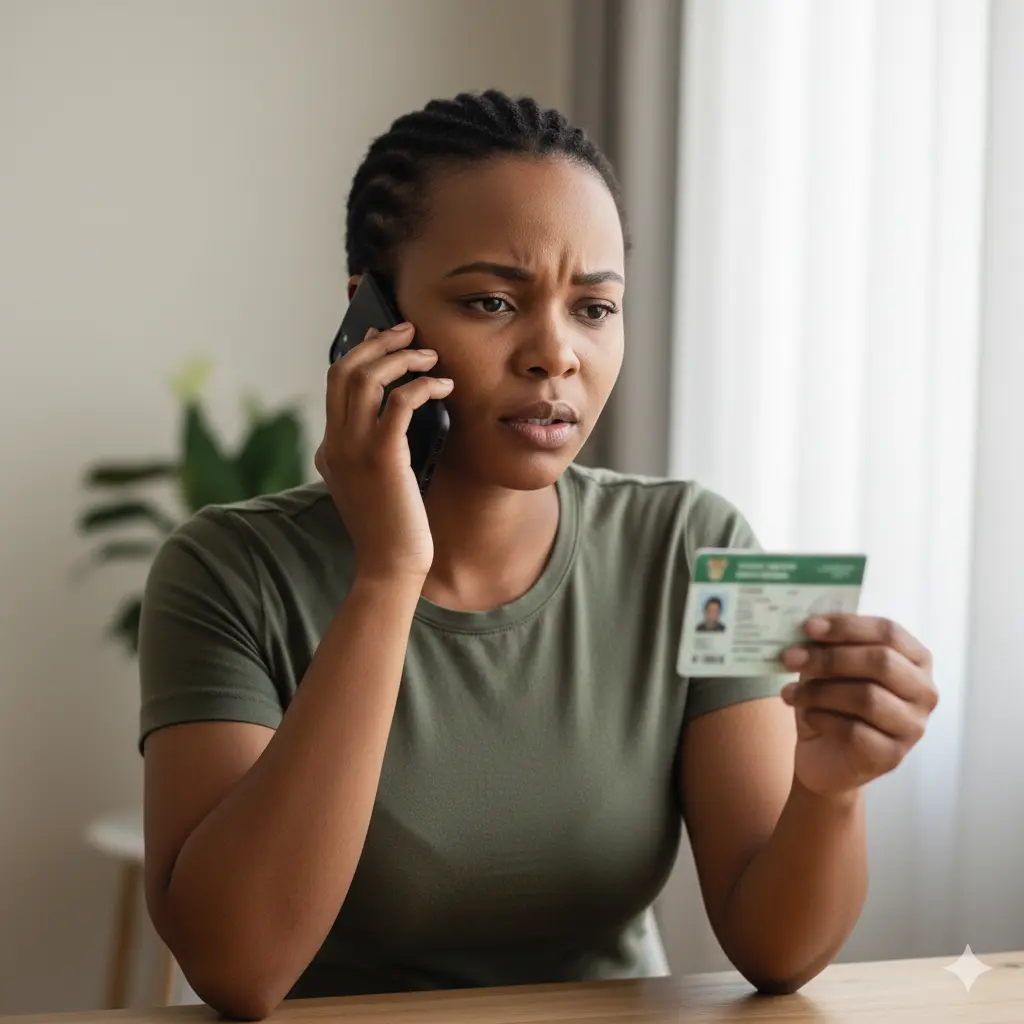
If you prefer speaking to a person or need help understanding your status, calling the SASSA contact center allows you to check your grant status and ask questions directly. This method works best when you need clarification or have specific concerns about your application.
Approved – The consultant will confirm your application was successful and provide information about when and how you’ll receive payment.
Pending – Your application is still being reviewed; the consultant may be able to provide additional information about the verification process.
Declined – Your application was unsuccessful; the consultant can explain the specific reason and advise whether you can reapply or appeal.
No record found – The consultant cannot find your application in the system and may help you determine if you need to submit a new application.
Call center lines are typically busiest during the first week of each month when payments are released, so expect longer waiting times during this period. If you’re repeatedly disconnected or can’t get through, try calling during off-peak hours (mid-morning around 10 AM or mid-afternoon around 2-3 PM) on Tuesdays, Wednesdays, or Thursdays. Have your ID document nearby in case the consultant asks for additional verification details. If you’re placed on hold for more than 20-30 minutes, it may be more efficient to try one of the self-service methods.
If you cannot reach the call center or prefer not to wait in queues, the USSD method (1347737#) or online websites provide immediate results without needing to speak to anyone.
Before calling again, check our updated SRD payment dates 2026 schedule page to see if your pay day has already been released.
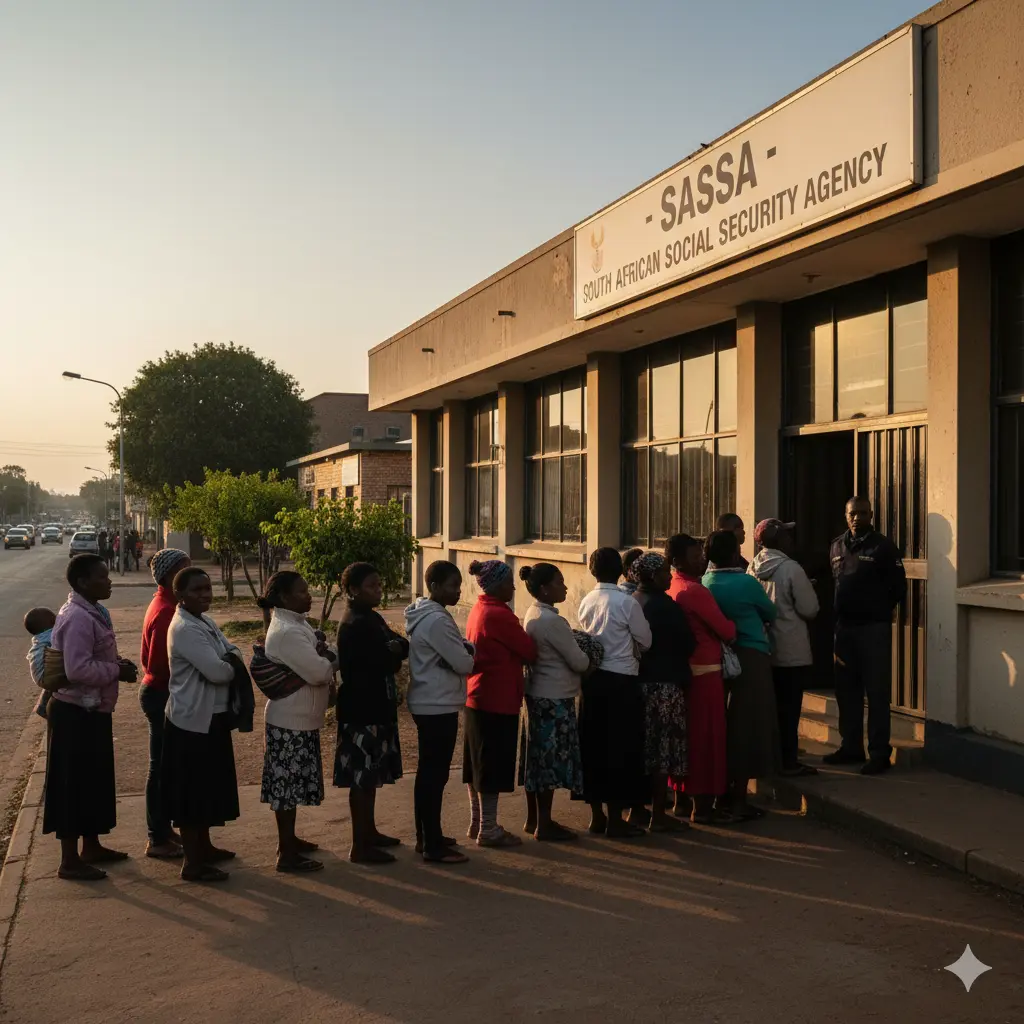
If all digital methods have failed or you need face-to-face assistance with your application, visiting your nearest SASSA office allows you to check your status in person and get help from staff. This option is best when you have complex issues or need to submit additional documentation.
Approved – The consultant will confirm approval and explain your payment method, expected payment dates, and how to collect your grant.
Pending – The staff member can often see what verification checks are outstanding and may be able to assist in resolving delays.
Declined – The consultant will explain the specific reason for declination and advise you on whether you can appeal or what steps to take next.
No record found – Staff can help determine whether your application was submitted correctly and assist you in submitting a new application if needed.
SASSA offices experience extremely high foot traffic during the first week of each month (payment period) and month-end, so visiting mid-month typically means shorter waiting times. Some offices run out of queue numbers by mid-morning, so arriving when they open at 8 AM gives you the best chance of being helped the same day. If your local office is consistently overcrowded or you’ve had poor experiences, you can visit any SASSA office in the country you’re not restricted to your area. Bring something to read or keep yourself occupied, as waiting times can range from one to four hours depending on the day.
If visiting an office isn’t practical due to distance, transport costs, or time constraints, the online methods (website, WhatsApp, USSD, or Moya App) allow you to check your status from home without queuing.
To stay safe from fraud and fake portals, read our important SRD scam warning guide before entering your details anywhere online.
Yes, but wait at least 48-72 hours after submitting your application before checking. The SASSA system needs time to capture and process your information. If you check too early, you’ll likely see “no record found” even though your application was submitted. For new applications, waiting 3-5 working days before using any method (online, WhatsApp, USSD, or Moya App) gives the most accurate results.
This happens for three main reasons: you’re entering a different ID number or phone number than you registered with, your application hasn’t been captured into the system yet, or there’s a temporary technical issue. Double-check you’re using your exact 13-digit ID number and the cellphone number from your application. For recent applicants, please wait a few days. You might encounter this issue via the website, USSD, WhatsApp, or the Moya App.
The USSD method is your best option when you don’t have internet access or data. Just dial *134*7737# from the phone number you used to register with SASSA.
This works on any phone (basic or smartphone) and doesn’t require airtime, data, or Wi-Fi—just network coverage. You must use the exact phone number registered with your application, as the system only recognizes status checks from the registered number.
Yes, 082 046 8553 is the only official SASSA WhatsApp number for SRD status checks. Be extremely cautious of other numbers claiming to be SASSA scammers create fake WhatsApp accounts to steal personal information. SASSA will never ask for banking details, passwords, or any payments through WhatsApp. Always verify you’re messaging the correct number before sharing your ID number or personal details.
The website (srd.sassa.gov.za) experiences heavy traffic, especially during the first week of each month when payments are processed. Try accessing it during off-peak hours (early morning 5-7 AM or after 9 PM). A timeout or “service not available” message from 1347737# typically happens because the network is busy.. Wait 30 minutes and try again during quieter times. If both methods consistently fail, use WhatsApp (082 046 8553) or the Moya App as alternatives.
Approved means your application was successful and payment is being processed. Pending means SASSA is still verifying your information this can take several weeks during busy periods. Declined means your application didn’t meet eligibility requirements, and a reason should be displayed. If declined, you can appeal the decision within 90 days by visiting a SASSA office or using the online appeal process.
Yes, but you’ll need their 13-digit ID number and registered mobile number. The online website and Moya App can be accessed from any device with these details. Remember, you must dial 1347737# from the phone number linked to your SASSA application.
For security, be careful about sharing ID numbers and personal information, as scammers target SASSA grant recipients.
Yes, calling 0800 60 10 11 is completely toll-free from any South African phone. Wait times vary significantly during payment week (first week of the month) or month-end, expect 30-60 minutes or longer on hold. The shortest waits are mid-month (around the 15th-20th), mid-morning (10-11 AM), or mid-afternoon (2-3 PM) on Tuesdays through Thursdays. If long wait times are frustrating, the USSD, online, WhatsApp, or Moya methods provide immediate results.
For security, be careful about sharing ID numbers and personal information, as scammers target SASSA grant recipients
No, most SASSA offices operate on a walk-in basis with a queue system. Arrive early (offices open at 8 AM) to avoid the longest queues. Bring your original ID document, proof of residence, and your registered cellphone. You can visit any SASSA office in South Africa; you’re not restricted to your local area. Offices are busiest during the first week of each month and month-end, so mid-month visits typically have shorter waiting times.
Yes, Moya App is zero-rated for SASSA and other government services, meaning it doesn’t use your data bundle once installed. However, downloading the app initially requires data or Wi-Fi (approximately 15-25 MB). After installation, checking your SASSA status through Moya won’t consume airtime or data. Make sure you download the official app from Google Play Store or Apple App Store, and update it regularly to access SASSA services under “Government Services.”